
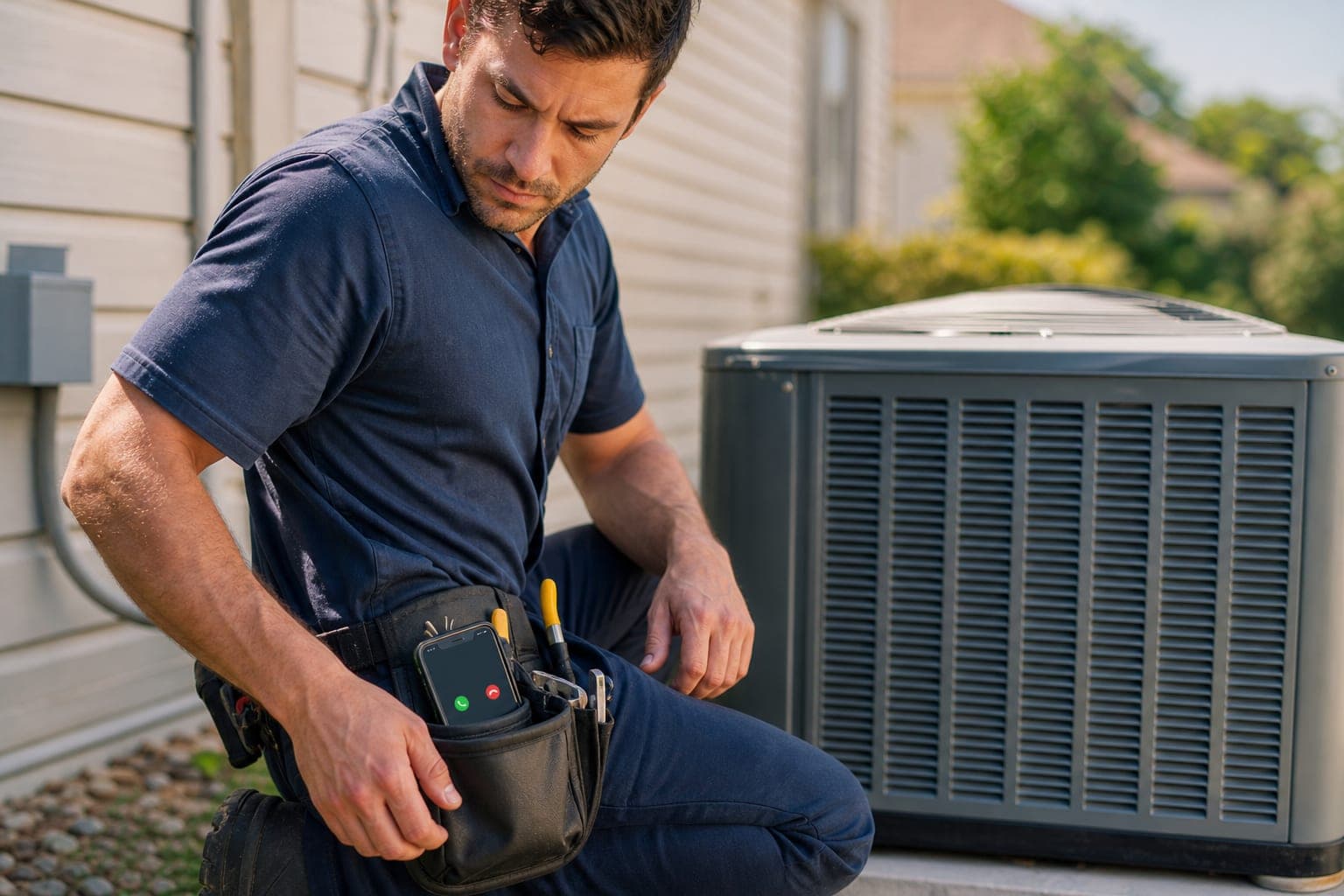
Best HVAC Answering Service in 2026: AI vs Live Options
Compare HVAC answering services — AI vs live operators. See pricing, features, and why HVAC companies are switching to AI phone systems.
Best HVAC Answering Service in 2026: AI vs Live Options
HVAC companies live or die by their ability to answer calls. When temperatures hit 95°F and someone's air conditioning stops working, they're not thinking about which contractor to call—they're thinking about calling *whoever answers*.
This is why choosing the right answering service matters so much for HVAC companies. The wrong choice costs you thousands in lost jobs every year. See how a AI receptionist built for HVAC companies handles emergency triage and after-hours dispatch.
Why HVAC Companies Need a Specialized Answering Service
The Problem: Seasonal Demand Spikes
HVAC companies don't have steady, predictable call volume. Instead, they face massive seasonal swings:
Summer (June-August):
Winter (December-February):
Spring & Fall:
Without an answering service, what happens?
1. Calls go unanswered while techs are on jobs
2. Customers hear voicemail or a busy signal
3. They call your competitor instead
4. A job worth $3,000-$8,000 goes to whoever answers instead of you
The Reality: Emergency Calls Can't Wait
When someone's house is 85°F at 2am in July, they're not calling back later. They need AC *now*.
If you don't answer: they call the next number in Google search results.
That lost call might be worth:
Every missed call in peak season is like leaving money on the table.
What HVAC Companies Need in an Answering Service
1. Emergency vs Routine Call Prioritization
Not all calls are equal. An answering service needs to distinguish between:
Emergency Calls:
These should be routed immediately to your technicians or dispatched as priority jobs.
Routine Calls:
These can be booked into your calendar or transferred to an office manager.
2. Equipment Type Identification
Good HVAC answering services understand equipment:
A generic answering service says, "I don't know, they'll have to wait for the technician."
A specialized HVAC service says, "The compressor just stopped running on a 10-year-old unit. That's definitely an emergency."
3. Appointment Scheduling
The service should:
4. After-Hours Coverage That Works
HVAC emergency calls happen 24/7:
Your answering service needs to:
HVAC Answering Service Comparison: AI vs Live Operators
Live Operator Answering Services
How it works:
Pros:
Cons:
Best for: Small HVAC companies with <20 calls/day, willing to pay per-minute rates
Real cost example (illustrative, using MAP Communications Pay As You Go at about $49/month plus about $1.37/min, assuming about 3 minutes per call):
This is one published pay-as-you-go plan, not a market average. Live services also sell bundled minute plans that can lower the per-minute cost at higher volume, so check current rates.
AI Answering Services (Like Callbook)
How it works:
Pros:
Cons:
Best for: HVAC companies averaging >30 calls/month, especially during seasonal peaks
Real cost example (assuming about 3 minutes per call):
HVAC Answering Service Competitors in 2026
Avoca AI
Focus: Deep integration with ServiceTitan dispatch platform
AnswerForce
Focus: Traditional live operator + AI hybrid
Callbook AI
Focus: Modern AI receptionist designed for contractors
Traditional Services (Unimark, etc.)
Focus: Classic live operator answering
Cost Comparison: Annual Budget Scenarios
Small HVAC Company (50 calls/month average)
Live Operator Service (illustrative, MAP Communications Pay As You Go, about 3 minutes per call):
Callbook AI:
Price gap in this example: about $1,300-$1,600/year. That is the difference between one published live plan and one software plan, not a like-for-like saving.
Medium HVAC Company (200 calls/month average)
Live Operator Service (illustrative, MAP Communications Pay As You Go, about 3 minutes per call):
Callbook AI:
Price gap in this example: about $6,900-$7,500/year. Again, one published live plan against one software plan, not a like-for-like saving.
Large HVAC Company (500+ calls/month)
Live Operator Service (illustrative, MAP Communications Pay As You Go, about 3 minutes per call):
Callbook AI:
Price gap in this example: about $19,300-$20,300/year. Bundled minute plans from live services can narrow this at high volume, so treat it as the gap between one pay-as-you-go rate and software, not a like-for-like saving.
HVAC Seasonal Challenges: Summer AC Rush
The Summer Peak Season Problem
Summer is when HVAC answering services prove their worth—or fail dramatically.
What happens in summer:
With a live operator:
With Callbook AI:
Real Summer Peak Scenario
Monday, July 15, 2024. Heat index: 105°F. Your HVAC company:
9am: Tech #1 and #2 arrive at job sites, can't answer phones
9:15am-1pm: many inbound calls
2pm: Hottest part of day, peak call volume
6pm: Evening calls start coming in from people who've been suffering all day
11pm-2am: Late-night emergency calls
Total that day: many calls
With a live operator service billed by the minute (illustrative, MAP Communications Pay As You Go at about $1.37/min and about 3 minutes per call), you'd be paying:
With Callbook: minutes past your plan's included amount bill at a published $0.30–$0.40 each depending on the plan, so the same 489 minutes cost far less than the pay-as-you-go example above.
Winter Emergency Situations
While summer gets the headlines, winter emergencies can be even more lucrative:
These calls need immediate, professional handling. If your voicemail picks up, the customer is calling someone else.
Key Features to Look for in an HVAC Answering Service
1. Real-Time Calendar Integration
2. Smart Call Prioritization
3. SMS & Email Alerts
4. Call Analytics
5. Easy Integration
6. Customizable Voicemail & Greeting
How to Choose: Decision Framework
Choose a Live Operator Service If:
Choose Callbook AI If:
How Callbook AI Specifically Works for HVAC
Callbook's AI learns HVAC terminology and your business:
1. Call comes in: "Hi, my AC stopped cooling yesterday and it's 92 degrees today."
2. AI qualifies: Recognizes emergency (no cooling, hot outside), routes as priority
3. Information gathered:
- Customer name and phone
- System type (what year/model if available)
- Symptoms (not cooling, making noise, etc.)
- Preferred callback time
- Address
4. You get notified:
- SMS alert (if you turn on text alerts): "PRIORITY: AC emergency at 123 Oak St. Customer: Sarah Johnson"
- Shows up in your dashboard
- Calendar integration shows tech availability
5. Professional handoff:
- If tech is available, can take call immediately
- If not, customer knows when to expect callback
- No information lost
Pricing Breakdown: What You Actually Pay
Callbook Solo: $149/month
- 300 minutes of calls, then $0.40/min
- 1 phone number
- Appointment scheduling
- SMS notifications
- Calendar integration
- Call transcripts
- Customer database
Annual cost: $1,490 with yearly billing (two months free)
Callbook Team and Pro: more minutes and phone numbers
Annual cost: $2,990 (Team) or $4,990 (Pro) with yearly billing
No setup fees. No per-call charges. No contracts.
The ROI Calculation: How Quickly Does It Pay for Itself?
Let's say you implement Callbook AI costing $149/month.
Your break-even point:
That single month pays for several months of service.
Capturing even a handful of additional jobs a month from calls that used to go to voicemail can add up fast.
Next Steps: Getting Started with HVAC Answering
Step 1: Audit Your Current System
Step 2: Choose Your Solution
Step 3: Implement Properly
Step 4: Measure Results
Conclusion: The Bottom Line for HVAC Companies
The right answering service is essential for HVAC companies because:
1. Seasonal volume spikes are unpredictable — AI scales with you, while a live operator's bill grows with every minute
2. Emergency calls can't wait — 24/7 availability is non-negotiable
3. Every missed call is real money lost — $500+ per missed job, possibly much more
4. Your team can't answer phones while on jobs — That's literally how you make money
Live operator answering services work for very small teams, but the cost climbs and coverage gets stretched as call volume grows.
AI answering services like Callbook cost less, answer more than one call at a time, and integrate with your existing business systems.
For most HVAC companies, the choice is clear: AI answering service.
Don't Let Maintenance Plan Revenue Slip Through the Cracks
Most HVAC companies treat their answering service as an emergency-only tool, but recurring maintenance agreements are quietly one of the easiest places to lose money. A homeowner calling to book their spring tune-up isn't shouting about a dead compressor, so a generic script treats the call like an afterthought — no coverage check, no reminder that the visit is already paid for, no upsell. Multiply that across every enrolled customer and the shoulder-season revenue your maintenance plans were built to capture erodes one skipped renewal at a time.
A HVAC virtual receptionist should recognize maintenance-plan customers, confirm their coverage, and book the seasonal visit automatically — the same system that triages 2am no-cooling emergencies. Before comparing vendors on sticker price alone, run the real math with an AI receptionist cost breakdown: a service that only shines during emergencies but lets maintenance renewals quietly lapse isn't actually cheaper once you count what slips through.
Ready to get started?
Learn how Callbook works for HVAC companies
Or get started today: Create your account
No long-term contract. No contracts. Cancel anytime. <Link href="/about" className="text-orange-600 hover:text-orange-800 underline">Learn why we built Callbook</Link> for trade contractors like you.
If you have questions about whether Callbook is right for your specific HVAC business, check out these related articles:
Competitor prices in this article come from each vendor's public pricing page; the linked comparison pages show when each was last checked. Callbook's own prices are rendered from its live plan catalog. How we compare.
Frequently asked questions
What should an HVAC answering service handle during peak season?
Triage, above all. In a July heat wave every caller says it is an emergency; a good service separates a no-AC household with an infant from a routine maintenance request, books accordingly, and escalates genuine emergencies to your on-call tech.
How much does an HVAC answering service cost?
Live answering services typically bill by the minute or the call, so the bill moves with call volume - and summer is exactly when minutes spike. Published entry plans for live virtual receptionist services run roughly $129 to $325 a month for 50 to 100 minutes, with extra minutes billed on top. AI answering like Callbook is $149/month with 300 minutes included, and summer minutes past that are $0.40 each.
Can an AI answering service book maintenance agreements and tune-ups?
Yes. Routine tune-ups and seasonal maintenance are the easiest calls to automate: the AI checks your calendar, books the slot, and texts the customer a confirmation - while your team stays on installs.
What happens to my HVAC calls at night and on weekends?
The AI answers them like it is 2 PM on a Tuesday. Emergencies route to whoever is on call; everything else lands on the schedule. That is the difference between AI and answering services that charge extra for after-hours coverage.
Related Articles

Best Answering Service for Junk Removal Companies (2026)
Compare junk removal answering services for 2026: 24/7 AI vs live operators, real pricing, and how to quote and book pickups while the crew is loading.

Best Answering Service for Landscaping Companies (2026)
Compare answering services for landscapers. AI vs live operators, seasonal demand handling, and how to never miss a lawn care lead again.

How Landscaping Companies Can Handle Calls During Peak Spring Season
Spring is the busiest time for landscapers. Discover strategies to manage the surge in calls without missing opportunities or burning out.